Shoppers buy what they can see in their room.
TARDIS adds true-to-scale AR to every product page with one script. Shoppers tap, point their phone, and see your furniture standing in their own space. We generate the 3D model from a photo. No app. No SDK. No per-SKU 3D bill.
- One script tag
- 3D from a photo
- No app to install
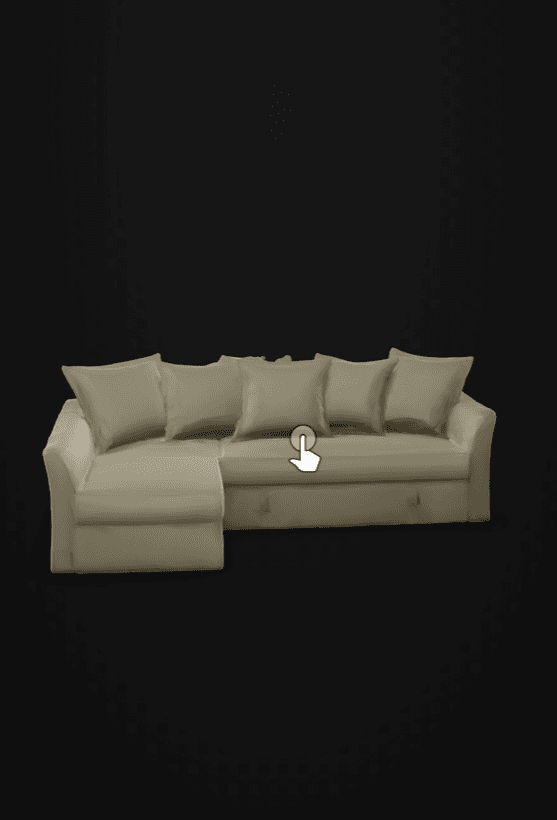 True to scale
- +94%average conversion lift for products with 3D/AR (Shopify)
- −40%fewer returns with AR/3D visualization (industry studies)
- +28%higher average order value — Wayfair 'View in Room'
Figures from published industry studies — Shopify, Wayfair, IKEA Place, Snap/Publicis 2025. Not TARDIS's own results.
Product photos sell the dream. Then the sofa arrives.
A studio photo can't answer the one question that matters: will it work in my room? So shoppers guess — and when the scale, colour, or fit is off, they send it back. US furniture returns run about $30 billion a year, and the retailer pays twice: the lost sale and the reverse-logistics bill.
AR moves that moment of truth to before checkout. 66% of shoppers say they're less likely to return an item after seeing it in AR (Snap/Publicis, 2025).
Live in an afternoon, not a quarter.
One script tag, your existing catalog, and a button in the buy box — no rebuild, no per-SKU modelling.
- 01Embed
Drop in one script.
Paste a single <script> tag into your product-page template. No SDK, no rebuild, nothing for shoppers to install.
- 02Map
Point it at your catalog.
We auto-generate a 3D model from each product photo — the whole catalog, not just your hero SKUs. No manual per-SKU modelling.
- 03Shoppers see it
Shoppers view it in their room.
A “View in your room” button appears in the buy box. Tap it and the product is there, at true scale, right in the browser.
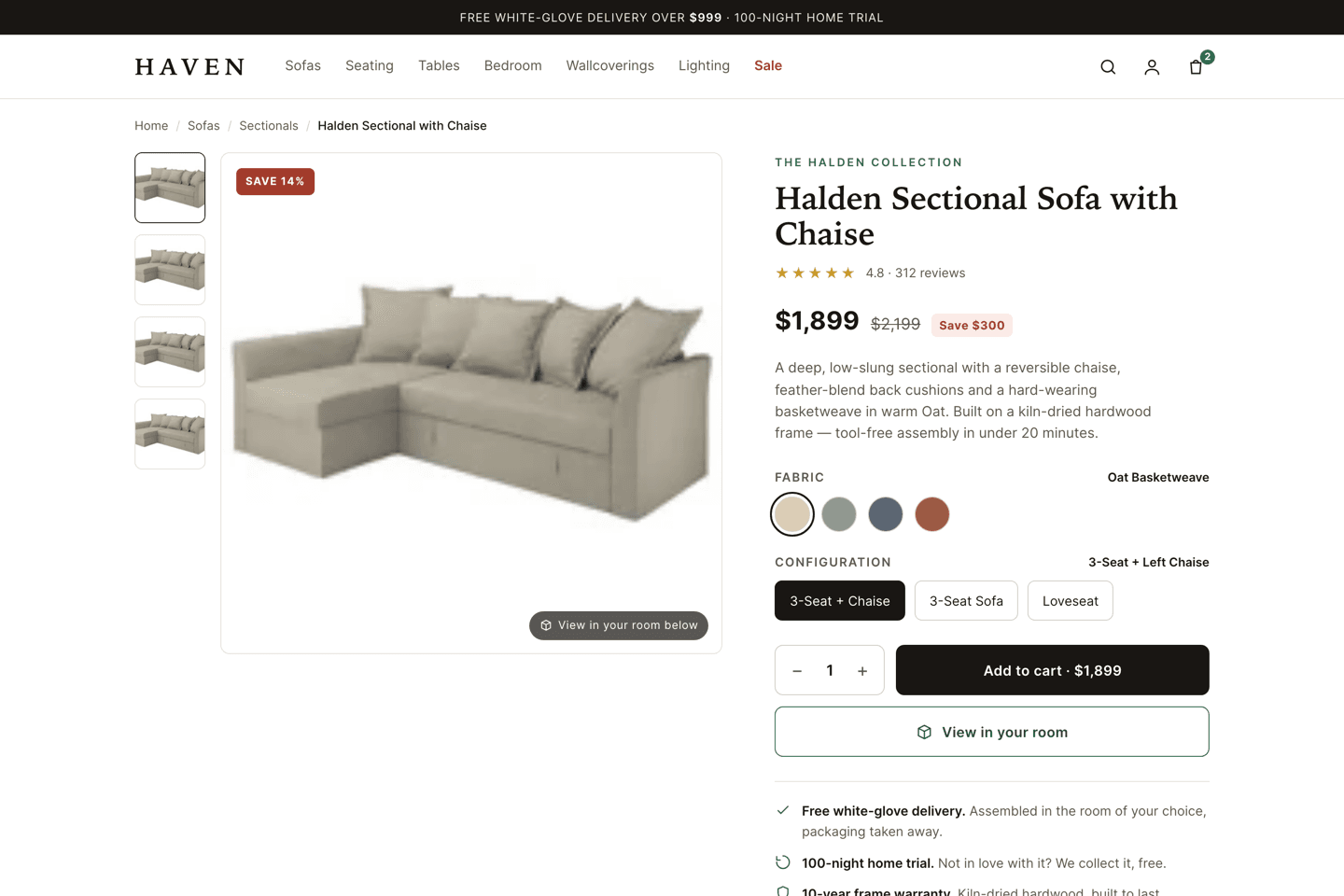
Live today · true to scale on iOS and Android · see it running in the demo
The AR is easy. The assets are the hard part.
Cylindo and Threekit make beautiful furniture 3D — by hand, per SKU. That manual pipeline is why AR usually stops at your hero products. TARDIS generates the asset straight from a product photo, so AR reaches every piece you sell — not just the ten you can afford to model.
Auto-generated assets
3D from a photo, not a modelling studio — catalogue-wide, not just hero SKUs.
True to scale
Placed at each product’s listed dimensions — AR Quick Look on iOS, Scene Viewer on Android.
No app, no SDK
One script for you; nothing to install for the shopper.
What your shoppers — and your team — actually see.
True to scale Halden SectionalReady
- Halden SofaReady
- Halden LoveseatReady
<script src="https://cdn.tardis-ai.com/embed.js" data-key="pk_live_…" async></script>Works on the store you already run.
Shopify, Magento, BigCommerce, or a custom front end — if you can add a script tag to your product template, you can add TARDIS.
<script src="https://cdn.tardis-ai.com/v1/embed.js" data-tardis-key="pk_live_…"></script><button data-tardis data-product="SKU-123">View in your room</button>- Shopify
- Magento
- BigCommerce
- WooCommerce
- Custom
Frequently asked questions
What is TARDIS, exactly?
An embeddable AR layer for your furniture product pages. You add one script; shoppers tap “View in your room” and see the piece at true scale in their space — a generated 3D model placed in the room with object AR. No app for shoppers, no SDK for you.
How hard is it to install?
One script tag on your product-page template plus a data-attribute on the button — about the effort of adding an analytics snippet. It works on Shopify, Magento, BigCommerce, WooCommerce, or a custom front end. Most retailers are live the same day.
Where do the 3D models come from?
We auto-generate them from your product photos, so AR can cover the whole catalogue — not just hero SKUs. That’s the difference from tools that hand-model each product: no per-SKU 3D bill and no waiting on a modelling studio.
How is this different from Roomvo, Cylindo, or Threekit?
All three are strong, and all three build the 3D asset per SKU — a studio or a prepared pipeline for every product. That is the cost that makes AR stop at your hero SKUs. TARDIS generates the model from photography you already have, so AR reaches the whole catalogue in a day rather than a quarter. The trade is hand-finished polish: if you need art-directed 3D for a flagship product, a studio pipeline still beats us.
What does it cost?
Pricing scales with catalogue size and traffic — one integration, no per-SKU 3D bill. Book a demo and we’ll scope a plan.
How accurate is the AR, honestly?
Object AR is high-fidelity and true-to-scale — built to each product’s listed dimensions, using native AR Quick Look on iOS and Scene Viewer on Android. The model itself is generated from your product photos, so how closely it matches the real piece tracks the quality of the photography you already have.
Will it touch my shoppers’ data or slow my page?
The widget is a tiny script that lazy-loads its heavy code, and the shopper hot path is served from the edge/CDN — it never touches your backend. It records only anonymous AR-interaction analytics (opens and views), scoped to your account.
Guides for retailers adding AR.
How AR Cuts Furniture Returns by Up to 40%
Reduce furniture returns with AR: how in-room previews close the expectation gap driving a $30B/yr problem, and what to measure to prove it.
The ROI of 3D/AR on a Product Page: The Real Math
AR product visualization ROI, worked out: incremental revenue from conversion uplift and AOV, plus returns savings — with honest caveats and the manual-3D cost trap.
How to Add "View in Your Room" AR to Your Shopify Product Page
Add AR to your Shopify product page with one embed: how "View in your room" works, the install flow, what you need, and object vs surface AR pitfalls.
See it on your product pages.
Add TARDIS to your store and let shoppers see items in their room. Drop your email and we'll set up a demo on your catalog.